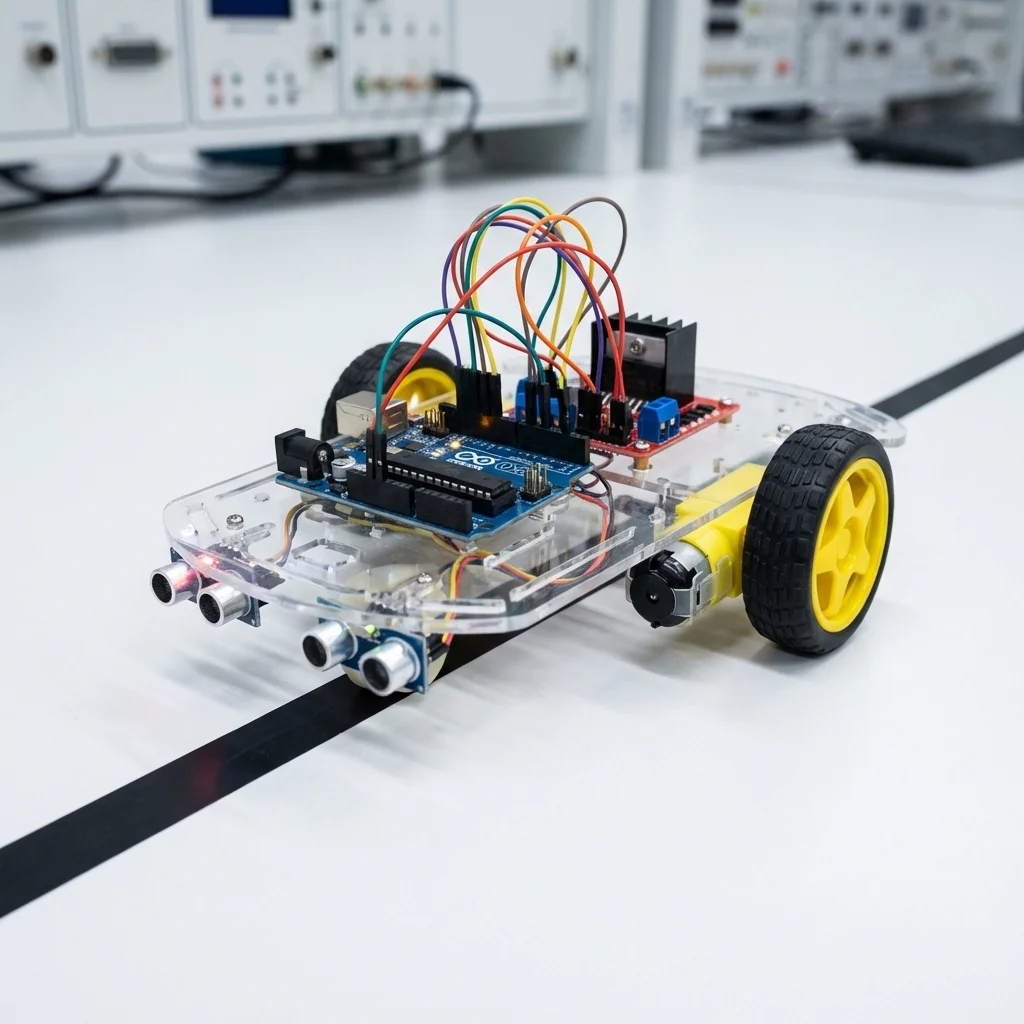
The Line Follower Robot is the "Hello World" of mobile robotics. It uses infrared (IR) sensors to detect a black line on a white surface (or vice versa) and adjusts its motors to stay on track. It's used in warehouses and hospitals for automated delivery systems!
Components Used:
- Arduino Uno
- 2 x IR Sensor Modules (TCRT5000)
- L298N Motor Driver
- 2 x DC Motors & Wheels
- Robot Chassis & Caster Wheel
- Battery Pack (Li-ion or 9V)
How it Works:
The IR sensors emit infrared light. On a white surface, the light reflects back. On a black line, the light is absorbed. The Arduino reads these sensor values:
- Both sensors on white: Move Forward.
- Left sensor on black: Turn Left (to center the line).
- Right sensor on black: Turn Right.
- Both on black: Stop (or finish line).
Circuit Connections:
- Left IR Sensor: OUT to Pin 2
- Right IR Sensor: OUT to Pin 3
- Motor Driver: IN1-IN4 to Pins 8-11
Arduino Code Snippet:
#define leftSensor 2
#define rightSensor 3
#define in1 8
#define in2 9
#define in3 10
#define in4 11

void setup() {
  pinMode(leftSensor, INPUT);
  pinMode(rightSensor, INPUT);
  pinMode(in1, OUTPUT);
  pinMode(in2, OUTPUT);
  pinMode(in3, OUTPUT);
  pinMode(in4, OUTPUT);
}

void loop() {
  int ls_state = digitalRead(leftSensor);
  int rs_state = digitalRead(rightSensor);

  if(ls_state == LOW && rs_state == LOW) {
    // Both on white -> Forward
    forward();
  }
  else if(ls_state == HIGH && rs_state == LOW) {
    // Left on black -> Turn Left
    left();
  }
  else if(ls_state == LOW && rs_state == HIGH) {
    // Right on black -> Turn Right
    right();
  }
  else {
    // Stop
    stop();
  }
}

void forward() {
  digitalWrite(in1, HIGH); digitalWrite(in2, LOW);
  digitalWrite(in3, HIGH); digitalWrite(in4, LOW);
}
// Add left, right, stop functions similarly