Bridge the Gap to
Professional Engineering

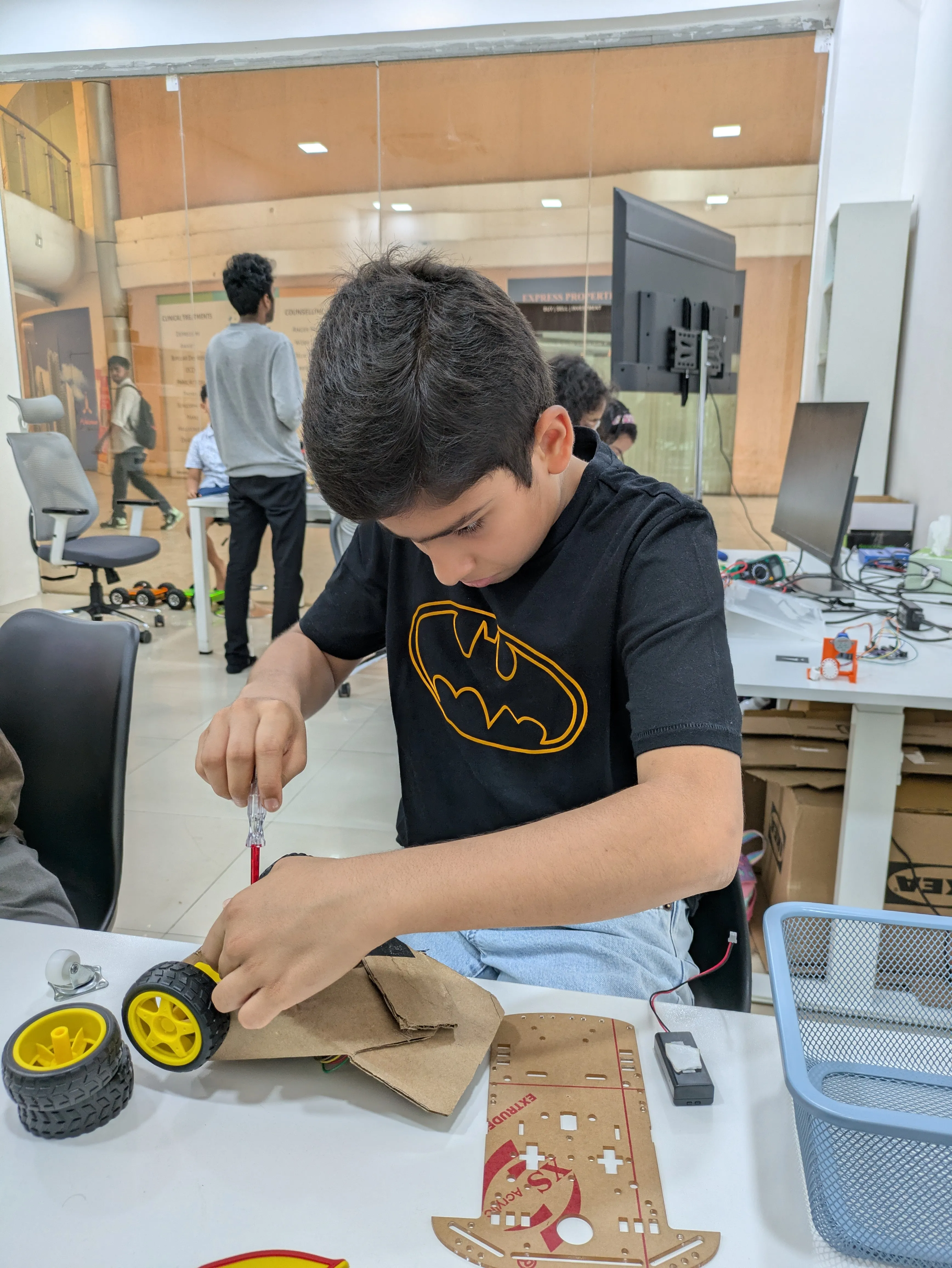
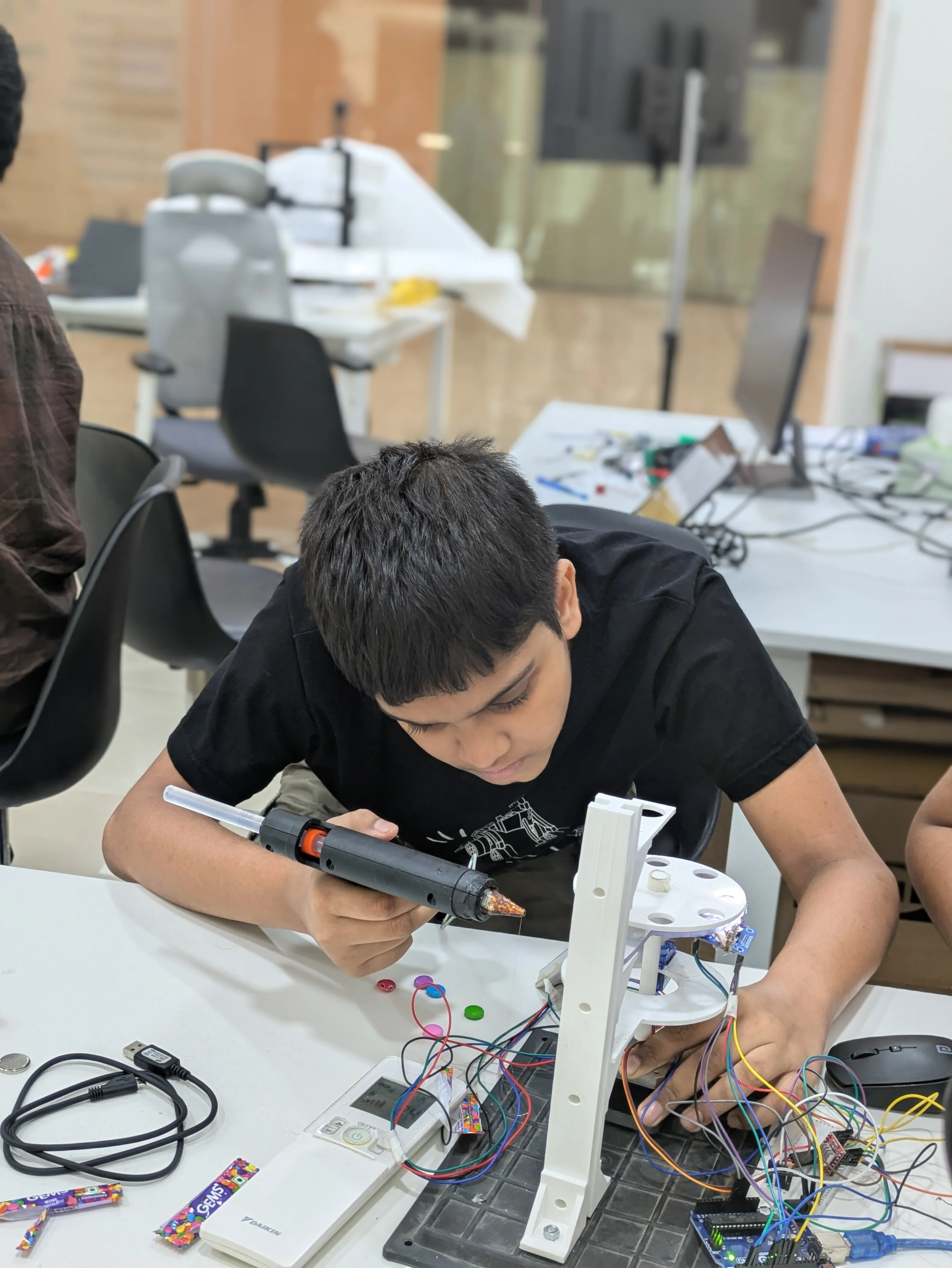
A foundational 2-year technical program for ages 11–14 covering Arduino, electronics, Python and MicroPython basics, Raspberry Pi exploration, Teachable Machine AI, and CAD design from TinkerCAD toward Fusion or AutoCAD.

Enroll Now

Age Group

11 – 14 Years

Duration

2 Years Course

Frequency

2 Sessions/Week

Prerequisites

Who Can Join?

Level: Systems Tech

Learning the shift from block-based logic to text-based Arduino programming.

Age: 11-14 Years

Middle schoolers ready for logical complexity and math application.

Mindset: Problem-Solver

For kids who ask "how does this work?" and love dismantling things.

Prerequisites

Basic computer knowledge is sufficient; we build the tech base together.

30
Core Modules
30+
IoT Projects
2
Year Track
AI
Python + Models
Skill Pillars

Core Technical Streams

Programming

Build from Arduino sketches into Python basics, Raspberry Pi data workflows, and MicroPython previews.

  • Arduino IDE & Logic
  • Python on Raspberry Pi
  • MicroPython Preview
Electronics, Hardware & Circuit Design

Understand the core pillars of electricity: Voltage, Current, and Resistance through hands-on breadboarding.

  • Component Basics
  • Circuit Architectures
  • Multimeter Usage
AI

Students train image, sound, and pose models, evaluate confidence and bias, then connect predictions to demos.

  • Image, Sound & Pose AI
  • Model Evaluation & Bias
  • Exported AI Prototypes
Design, CAD & 3D

Learn 3D modeling in TinkerCAD, then get an early bridge into Fusion 360 or AutoCAD for students ready for more precision.

  • TinkerCAD UI & Tools
  • Fusion / AutoCAD Bridge
  • Precise Measurements
The Roadmap

Intermediate Syllabus: Four Tracks

The intermediate program keeps the same four-track structure while deepening the technical challenge through Arduino, Python, MicroPython, Teachable Machine AI, and CAD progression toward Fusion or AutoCAD.

Programming

Module 01

Intro to Arduino & Boards

  • What is a Microcontroller?
  • Arduino vs Raspberry Pi vs MicroPython Boards
  • Installing Arduino IDE
  • Understanding the Interface
Module 02

Digital Outputs (LEDs)

  • Writing Your First Sketch
  • pinMode() & digitalWrite()
  • Making an LED Blink
  • Controlling Multiple LEDs
Module 03

Digital Inputs (Buttons)

  • Reading High/Low Signals
  • Pushbutton Circuits
  • Pull-up & Pull-down Logic
  • Creating Interactive LEDs
Module 04

Analog Outputs (PWM)

  • Understanding PWM Signals
  • Fading LEDs using analogWrite()
  • Duty Cycle Foundations
  • Variable Brightness Control
Module 05

Analog Inputs (Sensors)

  • Analog to Digital Conv (ADC)
  • Using Potentiometers
  • LDR (Light Sensor) Basics
  • Mapping Sensor Values
Module 06

Serial Data & Python Basics

  • Serial Monitor and Data Streams
  • Printing and Reading Sensor Values
  • Python Scripts on Raspberry Pi
  • Debugging Data from Devices
Module 07

Logic & Conditionals

  • If, Else-If, and Else
  • Logical Operators (&&, ||)
  • Smart Switch Implementation
  • Decision Making Logic
Module 08

Loops & Patterns

  • For Loops Foundations
  • While Loops Usage
  • Creating LED Sequences
  • Repeating Logical Tasks
Module 09

Functions & MicroPython Preview

  • Declaring Reusable Functions
  • Breaking Code into Modules
  • MicroPython Syntax Preview
  • Organizing Device Actions
Module 10

Programming Systems Project

  • Combining Inputs, Outputs, and Data
  • Python or MicroPython Device Script
  • Sensor-Based Automation
  • Final Python/Arduino Project Demo

Electronics, Hardware & Circuit Design

Module 11

Electricity Fundamentals

  • Conventional vs Electron Flow
  • AC vs DC Current Basics
  • Conductors & Insulators
  • The Concept of Potential Diff
Module 12

Ohm's Law: V, I, R

  • Voltage (Pressure)
  • Current (Volume of Flow)
  • Resistance (Restriction)
  • Calculation Exercises
Module 13

Breadboarding Basics

  • Internal Bus Connections
  • Power Rail Distribution
  • Plugging in Components
  • Jumper Wire Hygiene
Module 14

Resistors & Color Codes

  • Reading the 4-Band Code
  • Tolerances & Wattage
  • Series vs Parallel Resistors
  • Current Limiting Logic
Module 15

Capacitors Foundations

  • Storing Electrical Charge
  • Polarized vs Ceramic Caps
  • Charge & Discharge Timing
  • Simple Filtering Circuits
Module 16

Diodes & LEDs

  • P-N Junction Principles
  • One-Way Current Flow
  • Forward Bias & Voltage Drop
  • Protection Diodes Basics
Module 17

Transistors as Switches

  • Base, Collector, Emitter
  • Switching High Currents
  • Logic Gate construction
  • Driving Motors with BJT
Module 18

Integrated Circuits (ICs)

  • Intro to 555 Timers
  • IC Pinout Identification
  • Logic Gate ICs Basics
  • Building an Oscillator
Module 19

Multimeter Mastery

  • Measuring Voltage & Amps
  • Continuity Testing
  • Resistance measurements
  • Lab Measuring Safety
Module 20

Circuit Debugging Basics

  • Identifying Short Circuits
  • Voltage Drop analysis
  • Systematic Troubleshooting
  • Final Breadboard Project

AI

AI Lab 01

AI Model Thinking

  • Perception, classification, and reasoning
  • Datasets, labels, and features
  • Bias, privacy, and noisy inputs
  • Responsible AI design discussion
AI Lab 02

Teachable Machine Training

  • Image, sound, and pose model setup
  • Collecting balanced training examples
  • Training and retraining models
  • Reading confidence and confusion
AI Lab 03

AI + Physical Computing

  • Model output as a control signal
  • AI-triggered LED, buzzer, or servo demos
  • Explaining false positives
  • Testing in real environments
AI Lab 04

AI Prototype Presentation

  • Choosing an AI use case
  • Documenting training data
  • Demo script and limitations
  • Portfolio-ready AI reflection
AI Lab 05

Exporting AI Models

  • Exporting TensorFlow.js models
  • Web demo with p5.js or JavaScript
  • Arduino or Coral export preview
  • Model file and version habits
AI Lab 06

AI Evaluation & Ethics

  • Test cases and failure logs
  • Fairness across lighting and users
  • Privacy and consent for camera data
  • Limitations slide for final demo

Design, CAD & 3D

Module 21

Welcome to TinkerCAD

  • User Account & Dashboard
  • 3D Workspace Navigation
  • Basic Interface controls
  • First Simple Block Design
Module 22

Primitive Shapes

  • Working with the Workplane
  • Boxes, Cylinders & Spheres
  • Stretching & Resizing
  • Rotational Controls
Module 23

Creating Holes

  • Solid vs Hole Shapes
  • Carving Text into Objects
  • Advanced Form Subtraction
  • Designing a Pencil Holder
Module 24

Grouping & Alignment

  • Merging Multiple Shapes
  • Perfect Centering Tools
  • Mirroring & Flipping
  • Complex Part Creation
Module 25

Precision CAD Measurements

  • Grid Snapping & Rulers
  • Metric mm Accuracy
  • Snap-Fit Tolerances
  • Fusion 360 / AutoCAD Pathway
Module 26

CAD Bridge: Fusion / AutoCAD

  • 2D Sketches and Constraints
  • Extrude, Fillet, and Dimension Basics
  • From TinkerCAD to Parametric CAD
  • Custom Keychain or Bracket Project
Module 27

Mechanical Parts

  • Threads & Screw Design
  • Linkages & Joins Basics
  • Axle & Wheel Clearances
  • Designing a Robot Base
Module 28

Intro to 3D Printing

  • Filament Types (PLA/ABS)
  • Layer Heights & Speeds
  • Print Bed Adhesion
  • Exporting STL/OBJ Files
Module 29

Slicing & Optimization

  • Using Cura / PrusaSlicer
  • Infill & Shell Thickness
  • Support Structures Logic
  • Estimating Print Times
Module 30

Grand Design Challenge

  • Independent Project Design
  • Build-Refine-Master Cycle
  • Portfolio Documentation
  • Graduation Presentation
Mastery

Learning Outcomes

Programming
  • Setup IDE & run first sketches
  • Master Digital & Analog I/O
  • Python and MicroPython basics
  • Raspberry Pi data workflows
Electronics & Circuit Design
  • Understand V, I, and R relationships
  • Confident Breadboard prototyping
  • Master basic passive components
  • Safe use of Lab Multimeters
AI
  • Teachable Machine AI workflow
  • Train image, sound, and pose models
  • Evaluate confidence, bias, and privacy
  • Export AI into prototype demos
Design, CAD & 3D
  • Create complex 3D shape groups
  • Master precise measurements (mm)
  • Bridge toward Fusion or AutoCAD
  • Design for physical 3D printing
The Experience

The Learning Journey

Programming

Moving from block logic to Arduino code, Python basics, and simple device data workflows.

Electronics & Circuits

Understanding the basics of electricity, components, and practical breadboarding.

AI

Training, testing, exporting, and explaining AI models inside simple prototype demos.

Design, CAD & 3D

Mastering TinkerCAD, then previewing Fusion 360 or AutoCAD for precision design.

Intermediate Level Mastery

Official Graduation & Certification

Upon successful completion of the 30-module curriculum and the technical capstone project, students are awarded the official MakerWorks Junior Intermediate Certificate.

  • 30 Foundational Modules

    Mastery over Arduino, electronics, Python/MicroPython basics, AI models, and CAD design.

  • Hands-on Projects

    Building functional electronic projects using breadboards and code.

  • Bridge to Tech

    Prepares students for future advanced robotics and engineering tracks.

MakerWorks Junior Intermediate Certificate
MakerWorks Junior – Intermediate Level Certificate
Trust

What Parents Say

Common Questions

Frequently Asked Questions

Find answers to common queries about our Intermediate Level Program and how we bridge the gap to real-world engineering.

Not at all! We use an incremental approach that makes the logic intuitive before diving into strict C++ syntax. Our curriculum is tailored for cognitive development at this age, facilitating a smooth transition from blocks to text.

The Intermediate track is a comprehensive 2-year technical program. It is designed to ensure students have enough time to master foundational engineering concepts through consistent, weekly sessions without overwhelming their school commitments.

Yes. Our Intermediate students build functional devices like traffic light systems, digital alarm clocks, smart home prototypes, Raspberry Pi or MicroPython experiments, and simple AI demos using Teachable Machine. These projects teach students how to solve real-world problems with technology.

Students work with industry-standard Arduino Uno controllers, along with components including LEDs, ultrasonic sensors, potentiometers, breadboards, and jumper wires. When modules require it, they also get guided exposure to Raspberry Pi, MicroPython-capable boards, cameras or microphones for Teachable Machine demos, and 3D printing/CAD tools available in the lab.

While we have systems at the lab, we encourage students to bring their own laptops if possible. This allows them to keep their code and projects synced and continue experimenting with their designs even outside of lab hours.

If the student has some prior experience in basic block coding or basic electronics, they can take a bridge test to join the Intermediate track directly. Otherwise, we highly recommend completing the Beginner track first to build a solid foundation.
Still have questions?

We're here to help you choose the best technical path for your child.

Chat with an Expert