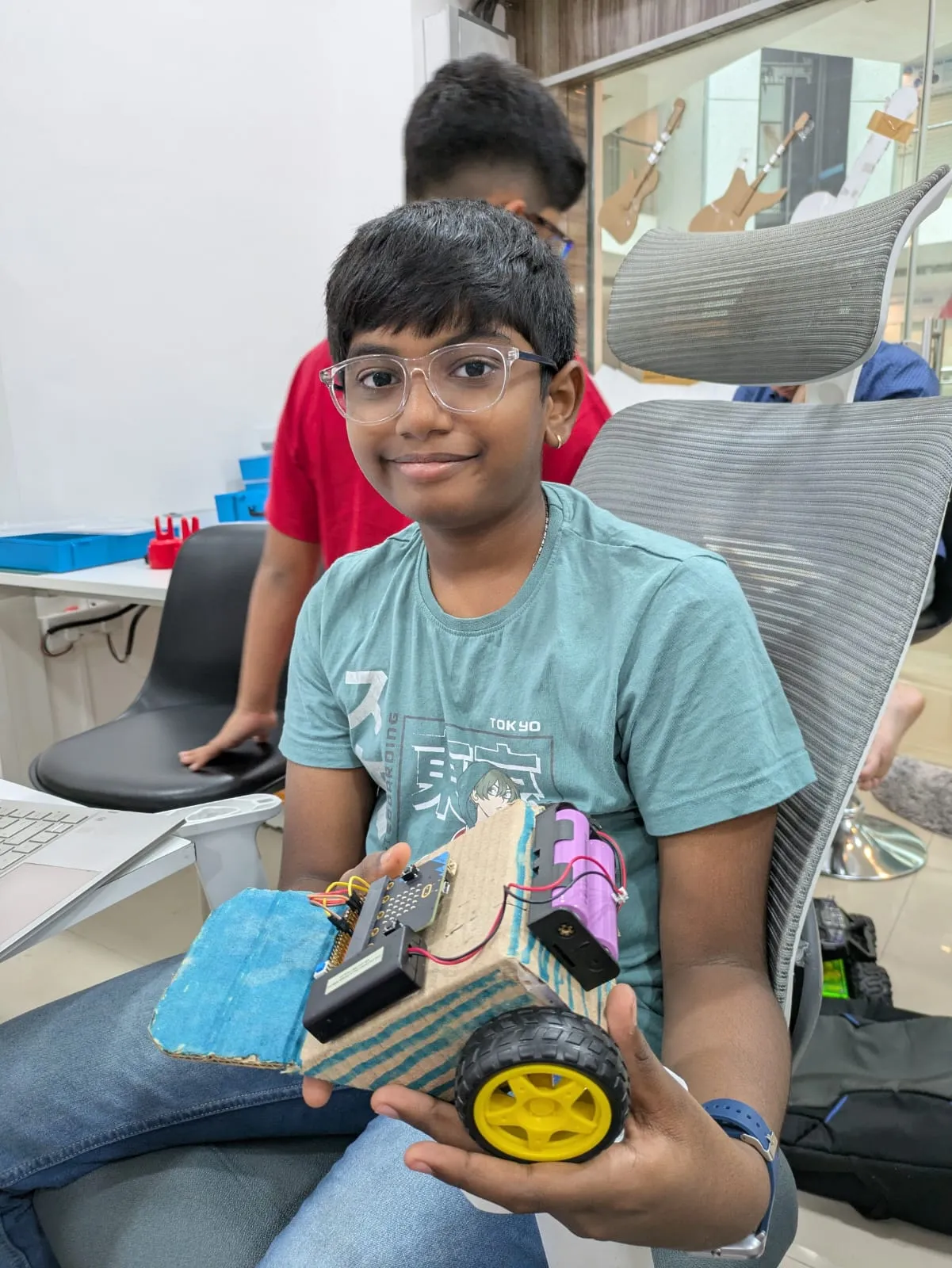
The Spark of
Junior Engineering

A fun-filled 1-year creative learning program for curious minds aged 8–10, with robotics, coding, electronics, 3D design, and playful AI exploration.

Enroll Now

Age Group

8 – 10 Years

Duration

1 Year Course

Frequency

2 hrs / week

Prerequisites

Who Can Join?

Level: Absolute Beginner

No prior experience in electronics or coding required. We start from ground zero.

Age: 8–10 Years

The curriculum is specifically tailored for the cognitive development of this age group.

Mindset: Curious

A keen interest in learning how things work and built-in desire to explore new gadgets.

Tooling: Computer & Net

Basic access to a computer for software exploration and simulator-based logic building.

40+
Hands-on Classes
25+
Mini Projects
2
Year Program
3D
Modeling Mastery

What Your Child Will Learn

A comprehensive, hands-on curriculum designed to build technical mastery and creative confidence over two years.

Programming

Master the fundamentals of computer science using the BBC micro:bit and Microsoft's powerful visual coding environment.

  • Block-based coding logic
  • Variables & Conditionals
  • Real-time Hardware I/O
Electronics, Hardware & Circuit Design

Dive into the physical world of circuits. Students learn how sensors "see" the world and how components interact.

  • Circuit Architecture
  • Sensor Interpretation
  • Motor Control Systems
AI

Students meet AI safely through perception games, Teachable Machine, model testing, bias checks, and simple creative demos.

  • Image, sound & pose models
  • Confidence and bias checks
  • Responsible demo explanations
Design, CAD & 3D

Bridge the gap between digital design and physical reality by creating custom parts and structural enclosures.

  • Spatial Geometry
  • Tinkercad Mastery
  • 3D Printing Workflow
The Roadmap

Session-wise Learning Breakdown

Our Beginner Program follows four clear tracks across 30 core modules, with guided AI labs that connect pattern recognition to playful physical demos.

Programming

Module 01

Getting Started with micro:bit

  • Computer vs Microcontroller
  • The BBC micro:bit Ecosystem
  • LED Matrix & Input Buttons
  • Your First Code Deployment
Module 02

The MakeCode Environment

  • Visual Block Interface
  • Event-Driven Programming
  • Animations & Iconography
  • Logic Flow Foundations
Module 03

Sensorial Interaction

  • Motion & Tilt Detection
  • Temperature sensing
  • Interactive Feedback Loops
  • Mini-Game Development
Module 04

Data & Variables

  • Understanding Data Storage
  • Incrementing & Counters
  • Score Tracking Systems
  • Complex Game State Logic
Module 05

Decisions (If-Else)

  • Boolean Logic & Conditionals
  • Comparison Operators
  • Smart Decision Making
  • Conditional Alert Systems
Module 06

Loops & Repetition

  • Efficiency with Loops
  • While vs Repeat Loops
  • Nested Logic Patterns
  • Automated Light Patterns
Module 07

Advanced Functions

  • Modular Program Design
  • Creating Custom Functions
  • Reusability & Debugging
  • Professional Coding Habits
Module 08

Advanced Game Logic

  • Sprites & Multiple Objects
  • Velocity & Gravity Sim
  • Physics-Based Puzzles
  • Multi-Level Architecture
Module 09

Radio Communication

  • IoT Wireless Protocols
  • Sending Data Packets
  • Remote Control Systems
  • Multi-Node Interactions
Module 10

System Integration

  • Merging All Logic Pillars
  • Optimization & Cleanup
  • Robust Bug Mitigation
  • Production Ready Code

Electronics, Hardware & Circuit Design

Module 11

Physical Computing

  • Flow of Electrons
  • The V-I-R Relationship
  • Breadboard Prototyping
  • Lab Safety Protocols
Module 12

Ohm's Law Mastery

  • Resistor Calculations
  • LED Logic & Safety
  • PWM & Dimming Effects
  • Mood Light Project
Module 13

Ultrasonic Intelligence

  • Sound Ping Principles
  • Trigger & Echo Calibration
  • Distance Alarm Systems
  • Collision Avoidance Logic
Module 14

Precision Motion (Servo)

  • Angular Positioning
  • Pulse Width Modulation
  • Wiping & Swiveling Logic
  • Automatic Boom Barrier
Module 15

Analog vs Digital Sensors

  • Potentiometers & Map Block
  • Signal Processing
  • Calibration Techniques
  • Variable Input Tuning
Module 16

Robotic Chassis Assembly

  • Structural Integrity
  • Motor Driver Interfacing
  • Power Management
  • First Test Drive
Module 17

Smart Solutions

  • Home Automation
  • Environmental Monitoring
  • Smart Street Lighting
  • Efficiency Optimizations
Module 18

Obstacle Avoidance

  • Real-time Path Planning
  • Object Detection Logic
  • Emergency Stop Systems
  • Autonomous Navigation
Module 19

Smart Irrigation Project

  • Soil Moisture Sensing
  • Relay Control Over pumps
  • Automated Watering Cycle
  • IoT Farm Prototype
Module 20

Circuit Debugging

  • Multimeter Basics
  • Identifying Short Circuits
  • Continuity Testing
  • Professional Repair Tips

AI

AI Lab 01

Pattern Recognition

  • Perception through cameras and microphones
  • Examples vs hand-written rules
  • Classifying simple objects and gestures
  • What AI can and cannot understand
AI Lab 02

Teachable Machine Basics

  • Image, sound, and pose classes
  • Gathering balanced training examples
  • Training a simple model
  • Testing live predictions safely
AI Lab 03

Model Confidence

  • Reading confidence scores
  • Testing with new examples
  • Spotting noisy or unfair data
  • Repeat-test-improve cycle
AI Lab 04

AI Demo Storyboarding

  • Designing a visible AI demo
  • Linking AI outputs to actions
  • Explaining model decisions
  • Presenting AI responsibly
AI Lab 05

Sound & Pose Interaction

  • Snap, clap, whistle classifier
  • Pose-based game controller idea
  • Testing background noise
  • Choosing reliable inputs
AI Lab 06

AI + Robot Behavior

  • Prediction as a simple trigger
  • LED, buzzer, or servo response
  • Explaining mistakes clearly
  • Responsible final demo rules

Design, CAD & 3D

Module 21

3D Visualization

  • The X-Y-Z coordinate system
  • Constructive Solid Geometry
  • Scaling & Alignment
  • First Design: Name Tags
Module 22

Tinkercad Mastery

  • User Interface & Tools
  • Grouping & Holes
  • Duplication & Mirroring
  • Designing Custom Gears
Module 23

Engineering Enclosures

  • Component Tolerances
  • Designing for Electronics
  • Ventilation & Accessibility
  • Custom Sensor Housing
Module 24

Designing for Scale

  • Measurements & Units
  • Structural Support Logic
  • Material Efficiency
  • Modular 3D Structures
Module 25

3D Printing Workflow

  • FDM Technology Overview
  • Slicing & G-Code Export
  • Printer Bed Calibration
  • Physical Model Production
Module 26

Advanced Slicing

  • Infill & Shell Patterns
  • Support Generation
  • Layer Resolution Impact
  • Print Speed Optimization
Module 27

Problem Identification

  • Real-world Challenges
  • Empathy in Design
  • Solution Brainstorming
  • Bill of Materials (BOM)
Module 28

Solution Architecture

  • Flowcharting solution logic
  • Circuit and enclosure planning
  • Feasibility and constraints
  • Prototype roadmap
Module 29

Prototype Iteration

  • Build-Test-Fail Cycle
  • Systemic Debugging
  • User Interface Polish
  • Final System Assembly
Module 30

Showcase & Demo Day

  • Portfolio Documentation
  • Public Speaking & Demo
  • Technical QA Session
  • Graduation & Awards
Mastery

Learning Outcomes

Programming Goals
  • Logical thinking & Algorithm design
  • Microsoft MakeCode Prototyping
  • Variables, loops, and events
  • Hardware-Software Syncing
Electronics & Circuit Goals
  • Electrical breadboarding skills
  • Component integration & Safety
  • Sensor signal interpretation
  • Debugging & Fault finding
AI Goals
  • Teachable Machine AI demos
  • Image, sound, and pose classification
  • Confidence, bias, and data checks
  • Responsible AI demo explanations
Design, CAD & 3D Goals
  • 3D Modeling & CAD foundations
  • Tinkercad design workflow
  • Iterative product design
  • System documentation
The Experience

The Learning Journey

Programming

Foundations in visual coding & basic electronics logic.

Electronics & Circuits

Weekly hands-on projects merging code with sensors.

AI

Training Teachable Machine models, checking confidence, and explaining model limits.

Design, CAD & 3D

Designing custom parts, building the final capstone, and earning certification.

Beginner Level Mastery

Official Graduation & Certification

Upon successful completion of the 30-module curriculum and the independent capstone project, students are awarded the official MakerWorks Junior Beginner Certificate.

  • 30 Hands-on Modules

    Complete mastery over basic coding, electronics, AI exploration, and design.

  • Capstone Presentation

    Showcase a fully functional independent project to peers and parents.

  • Career Foundation

    Eligible to progress to our Intermediate Level Engineering track.

MakerWorks Junior Beginner Certificate
MakerWorks Junior – Beginner Level Certificate
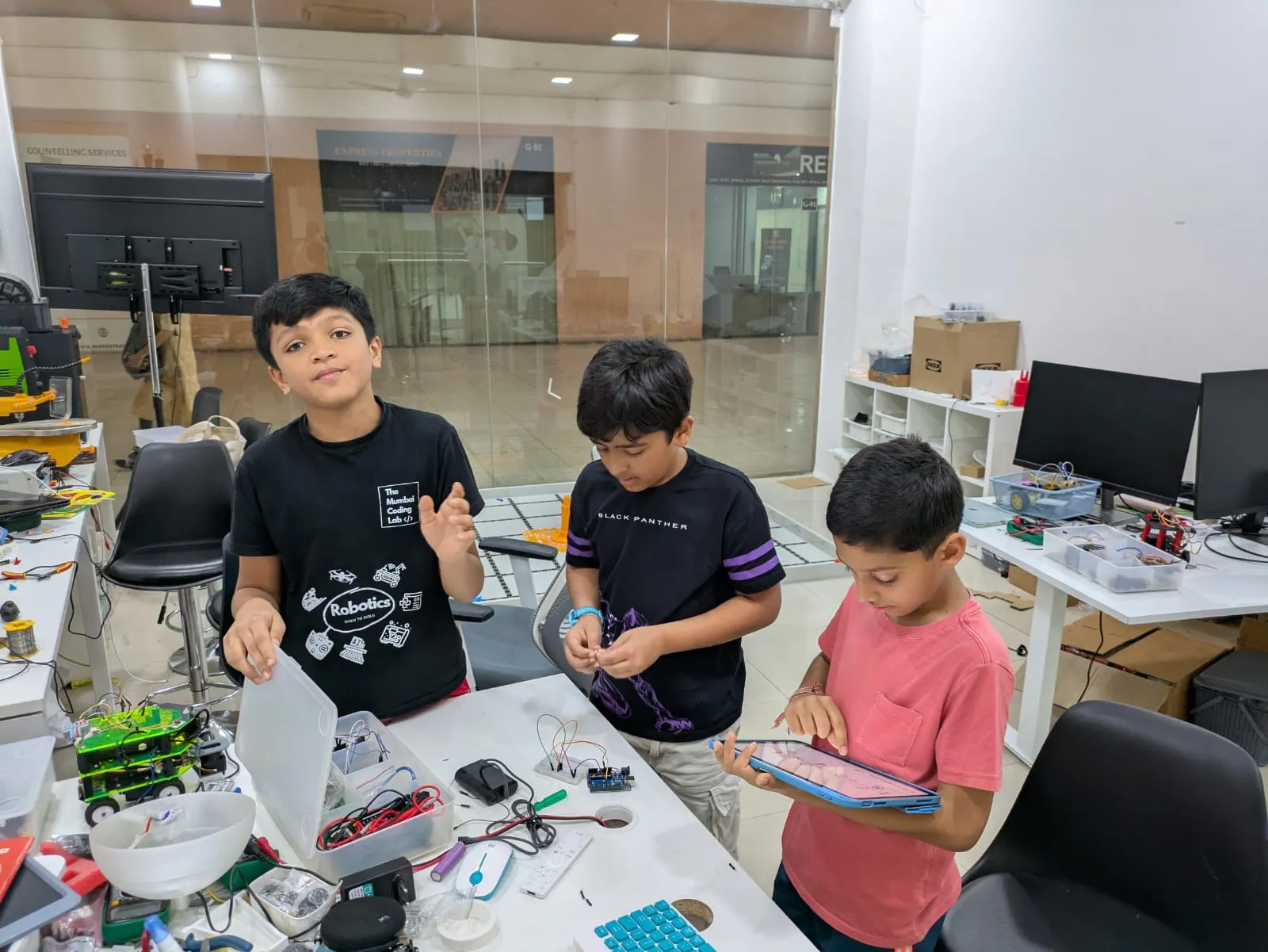
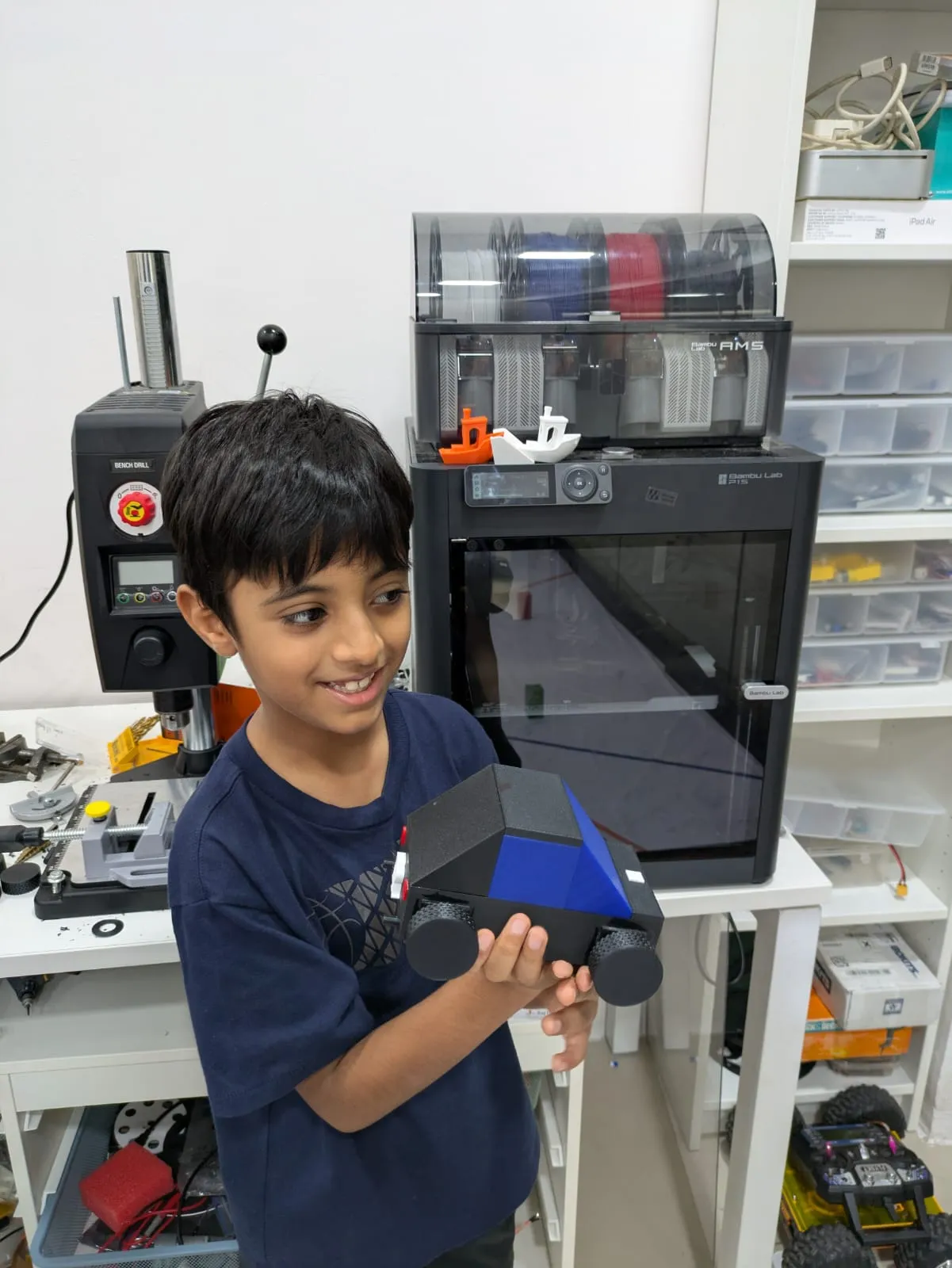
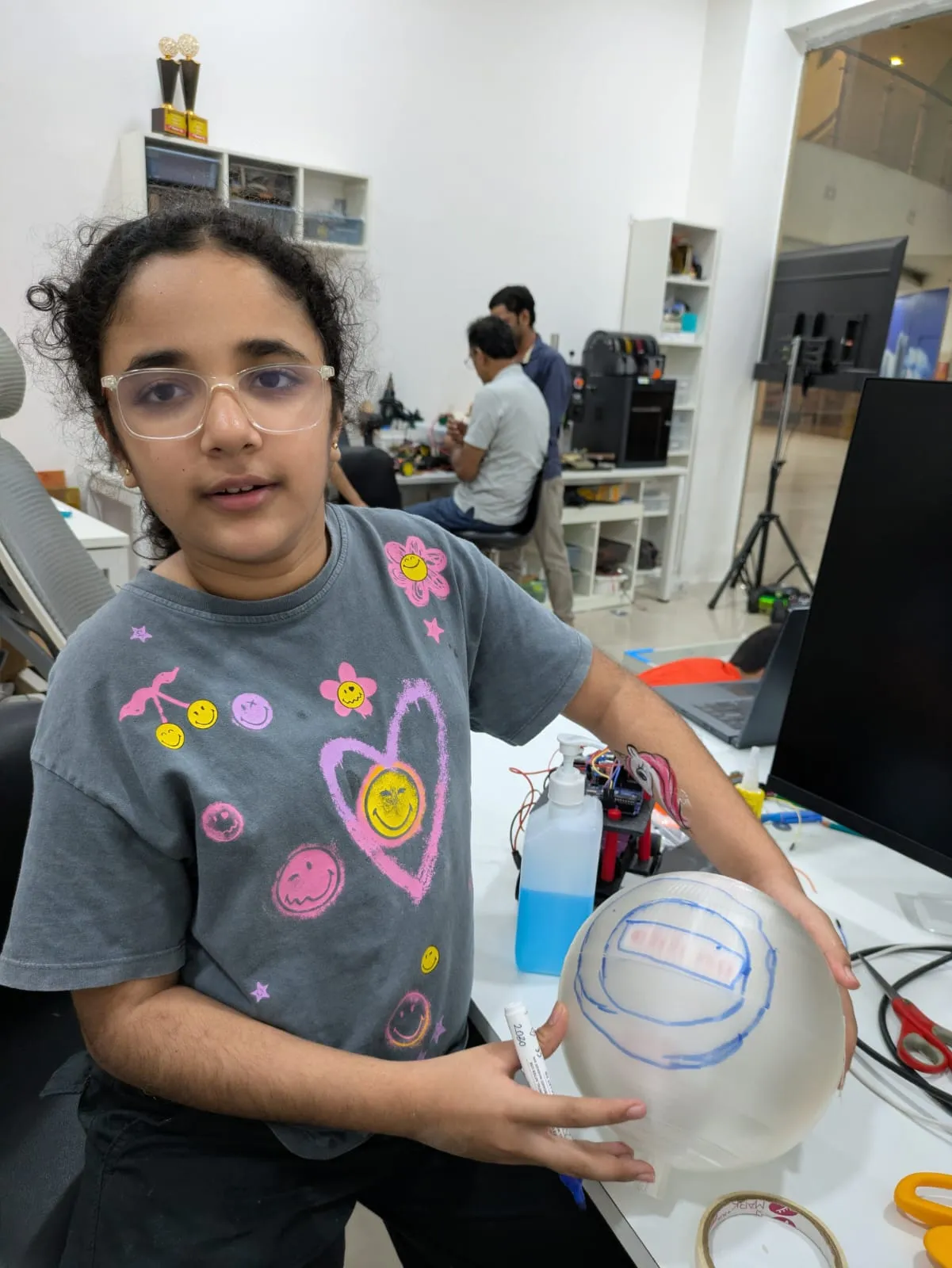
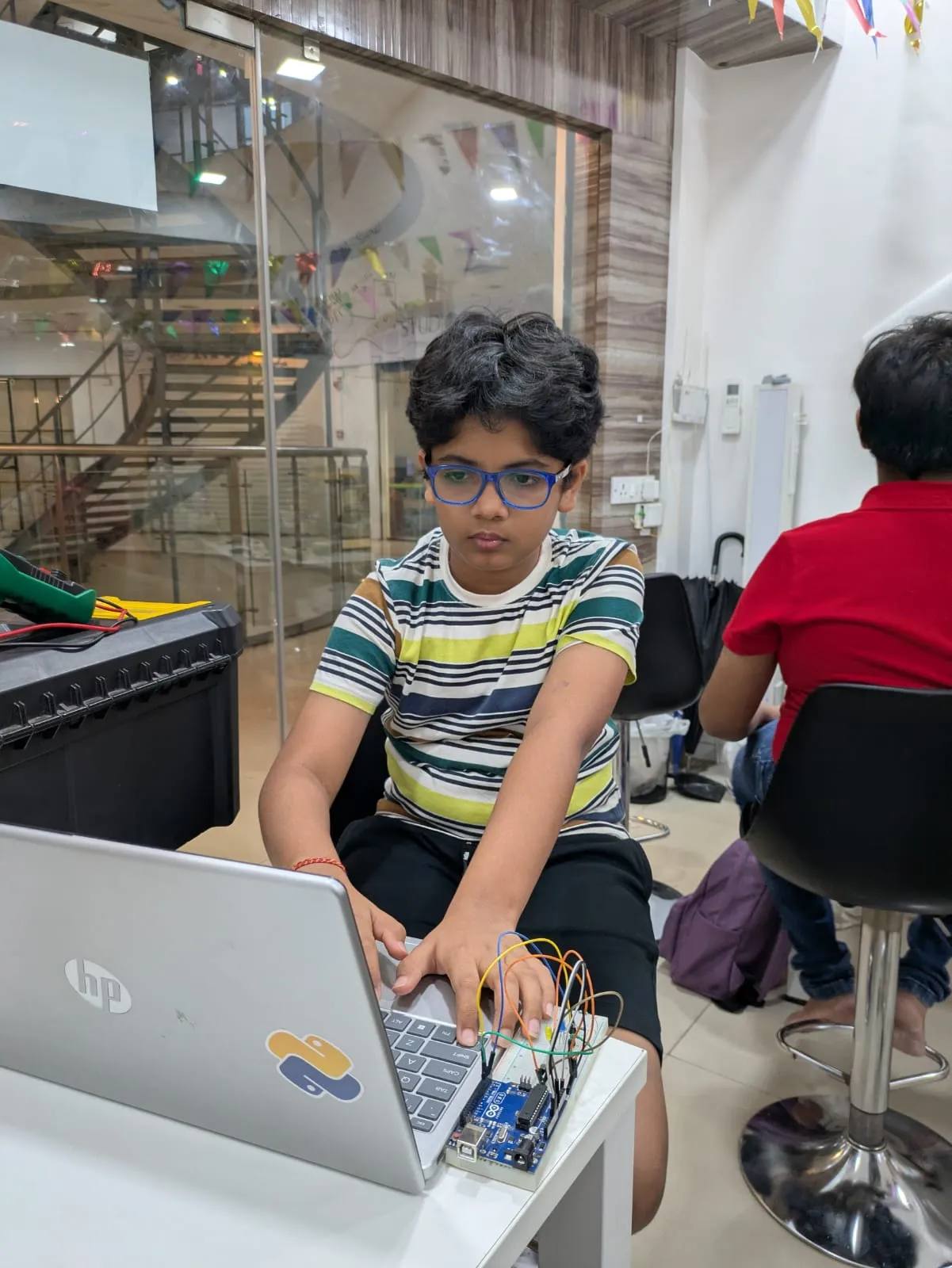
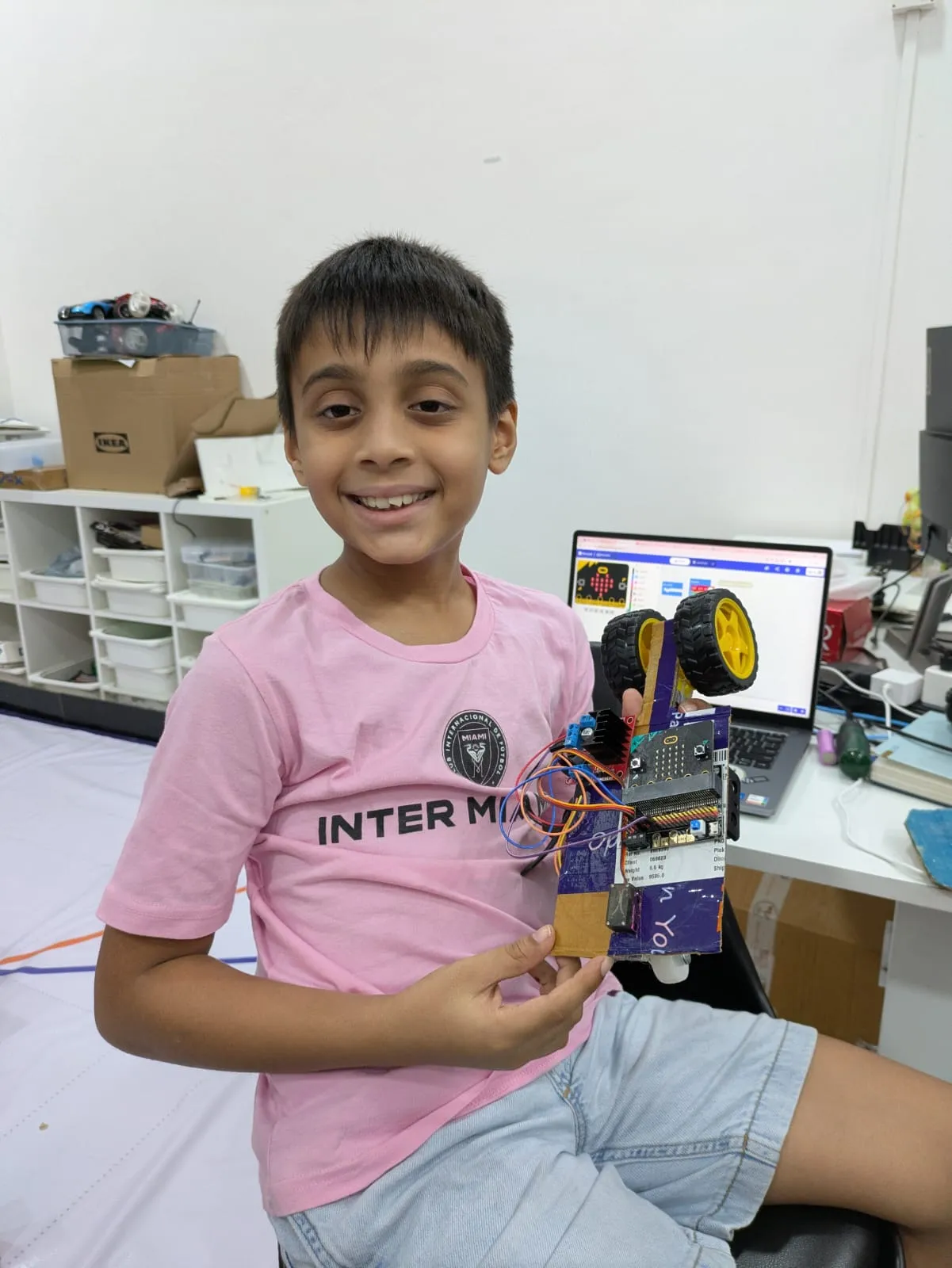
Life At Lab

Inside Our Classroom

Trust

What Parents Say

Common Questions

Frequently Asked Questions

Find answers to common queries about our Beginner Level Program and how it helps young makers grow.

The program is a comprehensive 1-year journey, organized as 2 hrs / week. It's designed to provide a steady, stress-free introduction to robotics and coding without interfering with regular school hours.

This program is specifically curated for young explorers aged 8 to 10 years. At this age, children are developing the logical thinking patterns necessary for block-based coding and hands-on creation.

Not at all! We start from the very basics. The program assumes no prior knowledge of coding, electronics, or engineering. We guide every student step-by-step through their first LED blink to their first robot.

Over the 30 modules, they learn Block-based Coding (via micro:bit), Basic Electronics (Ohm's Law, Breadboarding), 3D Design (CAD fundamentals), playful AI using Teachable Machine, and Robotics Automation. It’s a multi-disciplinary approach.

Yes. All essential materials, including the BBC micro:bit controllers, electronic component kits, and structural parts, are provided in the lab. Students work with professional-grade tools in a safe environment.

Absolutely! While the core kits remain in the lab, we provide Online Resources and project documentation that allow children to simulate and refine their code at home using free platforms like Microsoft MakeCode and Tinkercad.
Still have questions?

We're here to help you choose the best path for your child.

Chat with an Expert