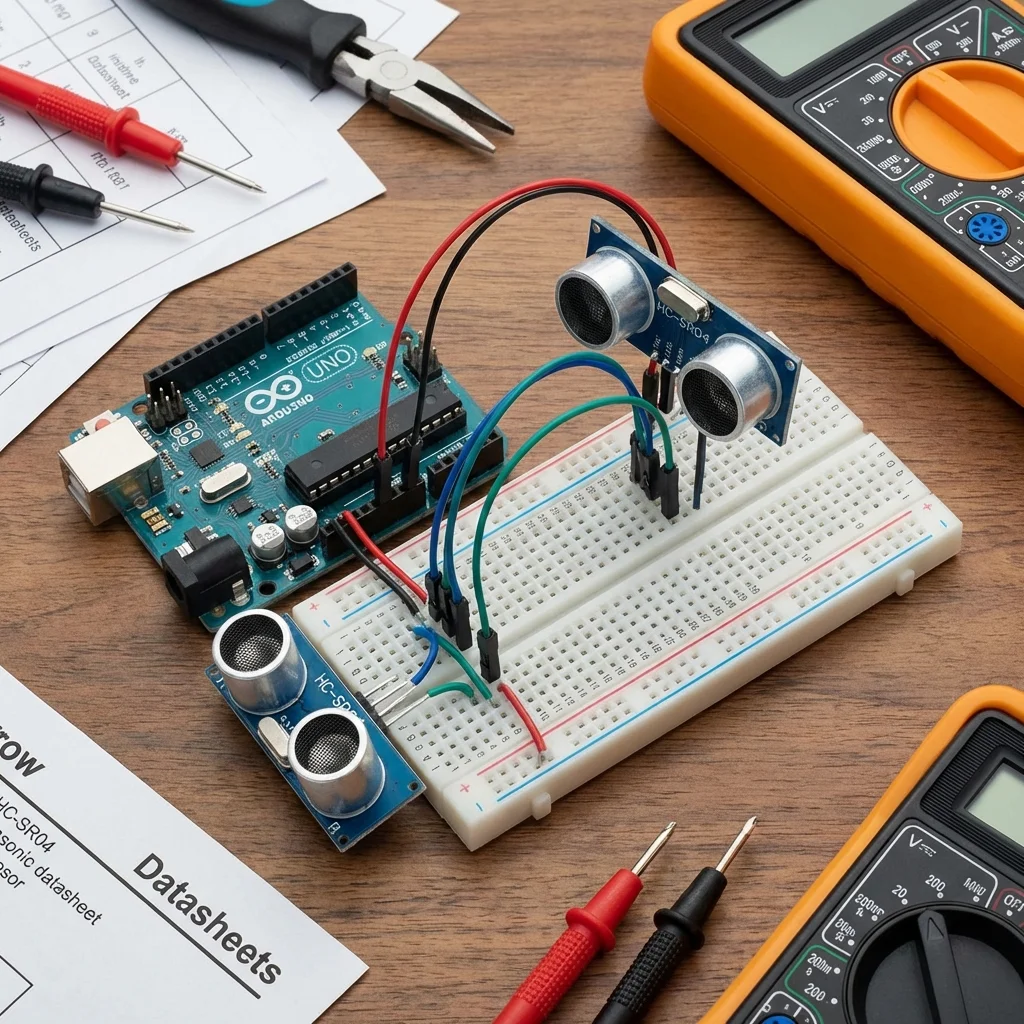
The HC-SR04 Ultrasonic Sensor is like a bat's echolocation for your Arduino. It emits sound waves and listens for the echo to determine the distance of an object. This is perfect for obstacle avoidance robots, parking sensors, and security alarms.
How it Works:
The sensor has two main parts: a transmitter (Trig) and a receiver (Echo). The transmitter sends out a high-frequency sound pulse, and if it hits an object, it bounces back to the receiver. By measuring the time it takes for the echo to return, we can calculate the distance.
Formula: Distance = (Time x Speed of Sound) / 2
What You'll Need:
- Arduino board
- HC-SR04 Ultrasonic Sensor
- Breadboard & Jumper wires
Circuit Diagram:
- VCC to Arduino 5V
- GND to Arduino GND
- Trig to Arduino Digital Pin 9
- Echo to Arduino Digital Pin 10
Arduino Code:
const int trigPin = 9;
const int echoPin = 10;

long duration;
int distance;

void setup() {
  pinMode(trigPin, OUTPUT); // Sets the trigPin as an Output
  pinMode(echoPin, INPUT);  // Sets the echoPin as an Input
  Serial.begin(9600);       // Starts the serial communication
}

void loop() {
  // Clears the trigPin
  digitalWrite(trigPin, LOW);
  delayMicroseconds(2);

  // Sets the trigPin on HIGH state for 10 micro seconds
  digitalWrite(trigPin, HIGH);
  delayMicroseconds(10);
  digitalWrite(trigPin, LOW);

  // Reads the echoPin, returns the sound wave travel time in microseconds
  duration = pulseIn(echoPin, HIGH);

  // Calculating the distance
  distance = duration * 0.034 / 2;

  // Prints the distance on the Serial Monitor
  Serial.print("Distance: ");
  Serial.print(distance);
  Serial.println(" cm");

  delay(100);
}
Upload the code and open the Serial Monitor (Tools > Serial Monitor) to see the distance measurements in real-time!